
Not Another Canva Clone. This Is for Real Creators
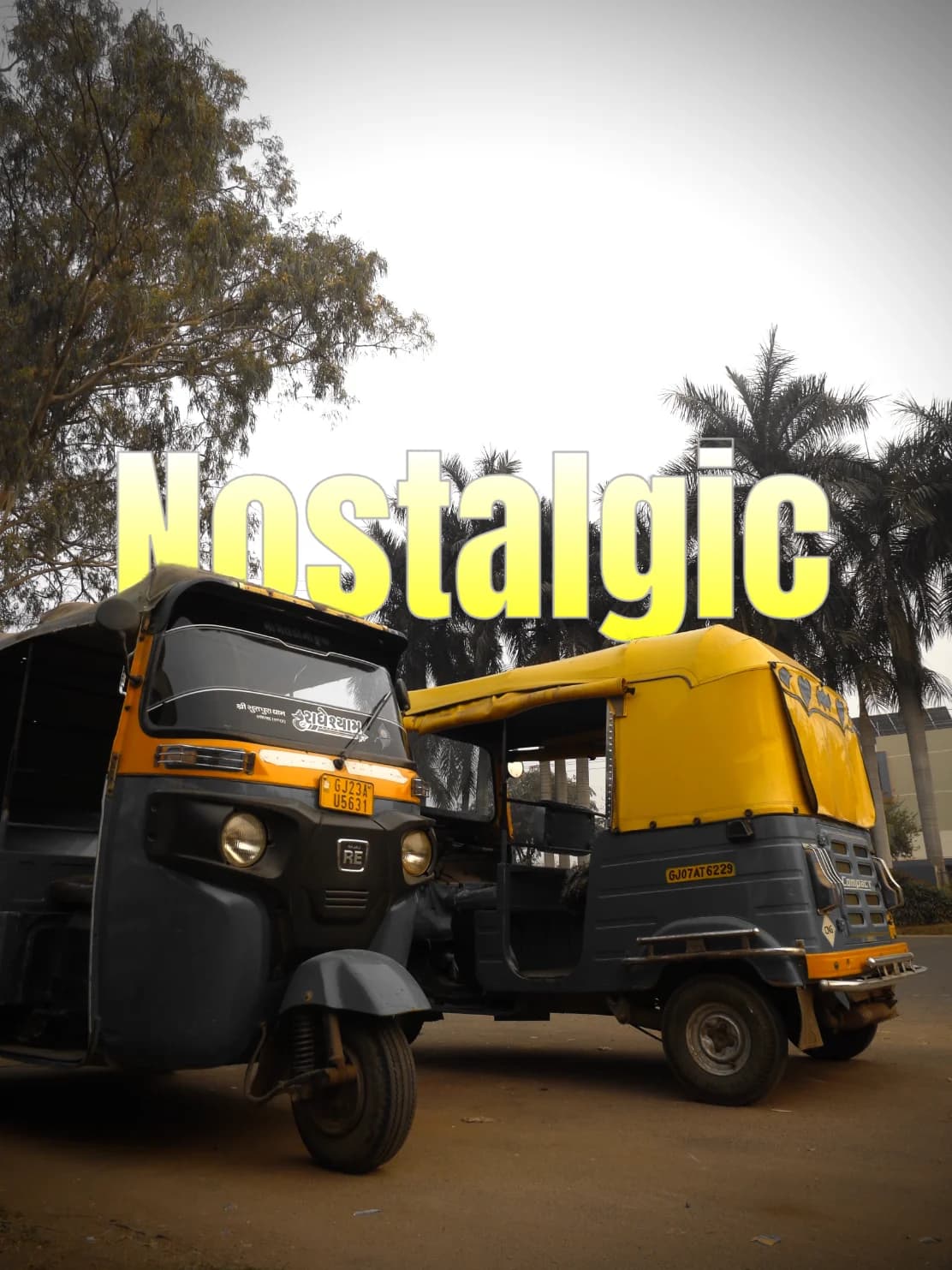
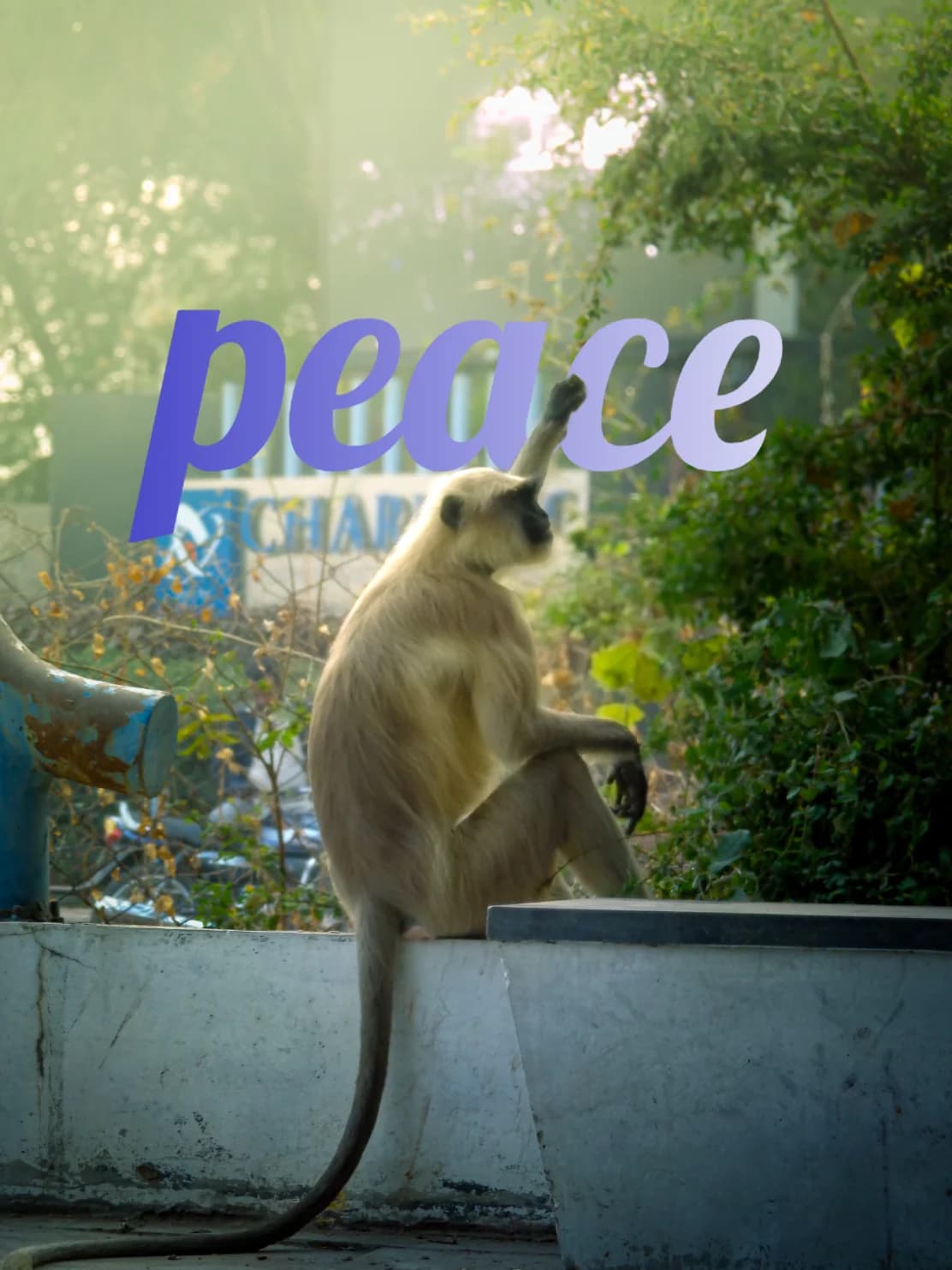
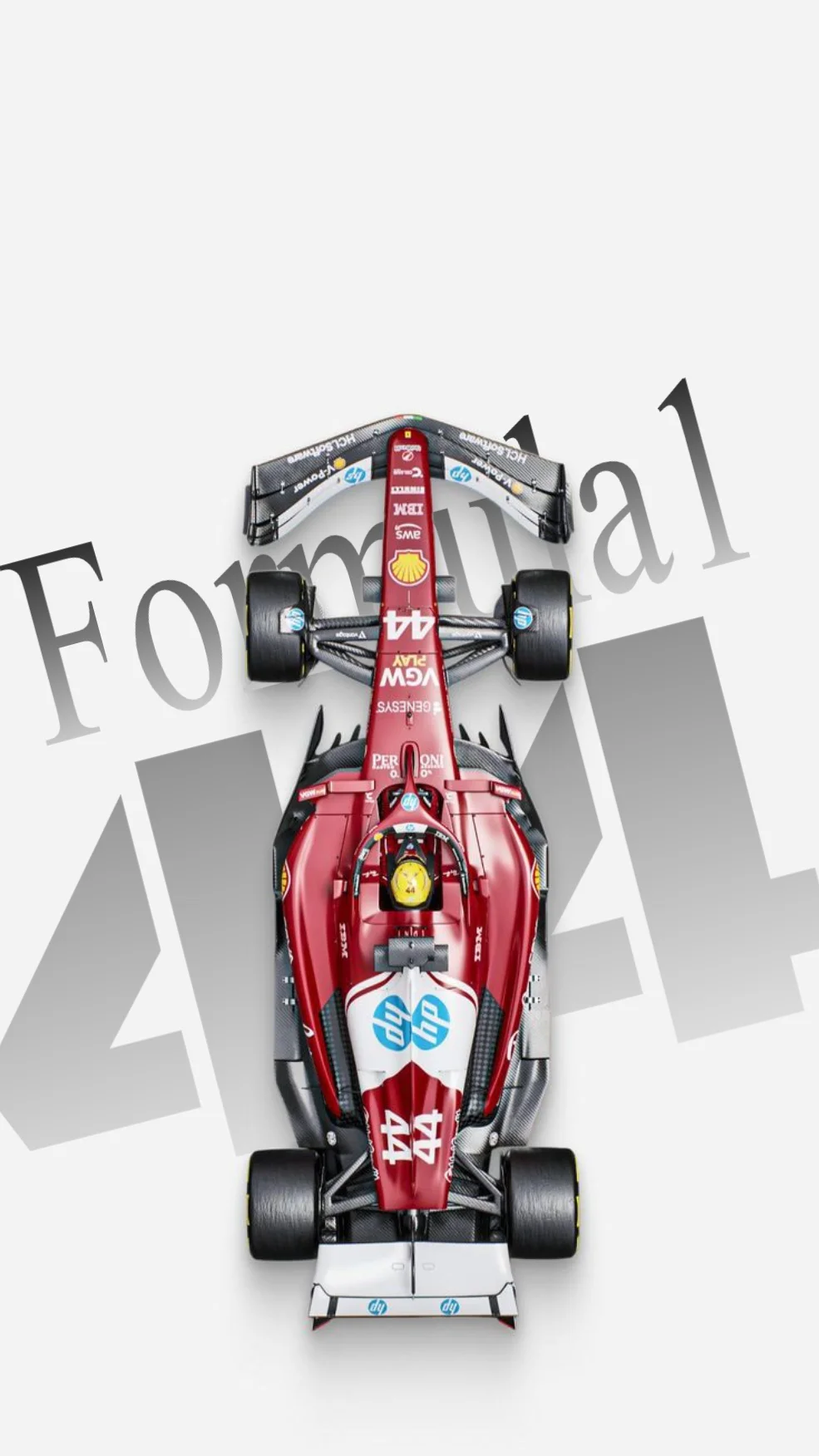
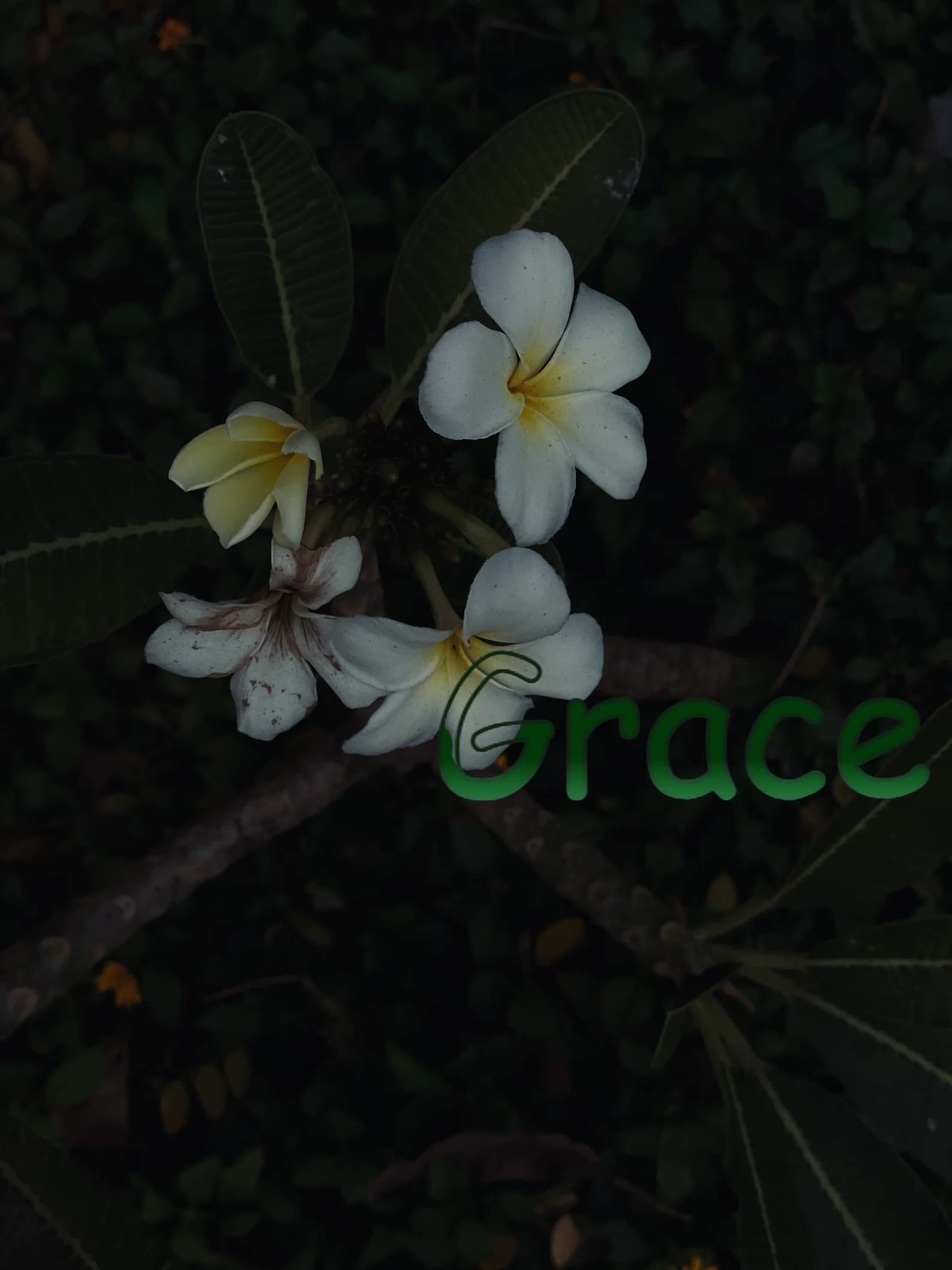
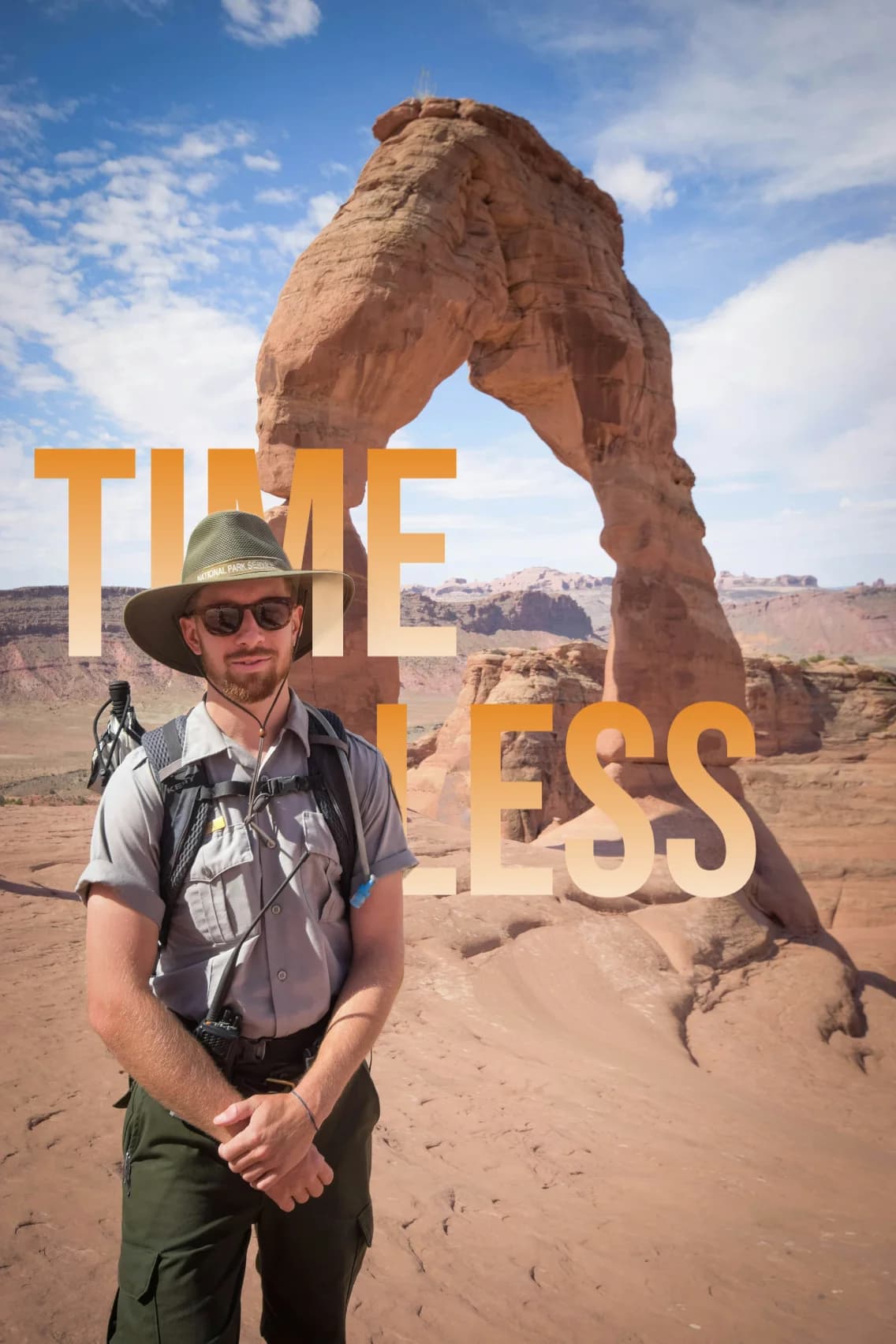
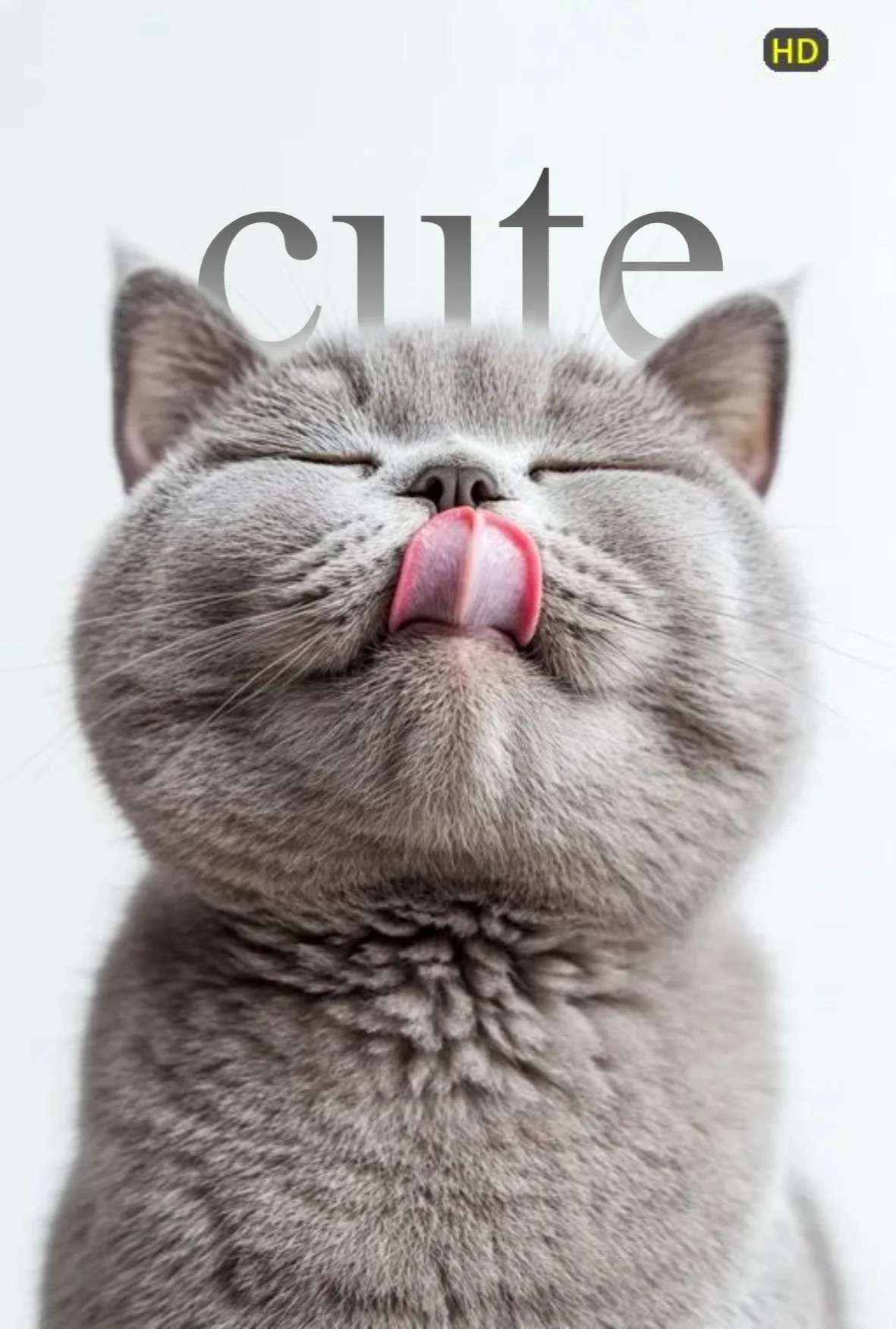
Text-behind effects, done right. Forget layers and clunky tools—this is fast, clean, and stress-free. No Photoshop, no stress.
- Faster
- Impactful
- Pro Results
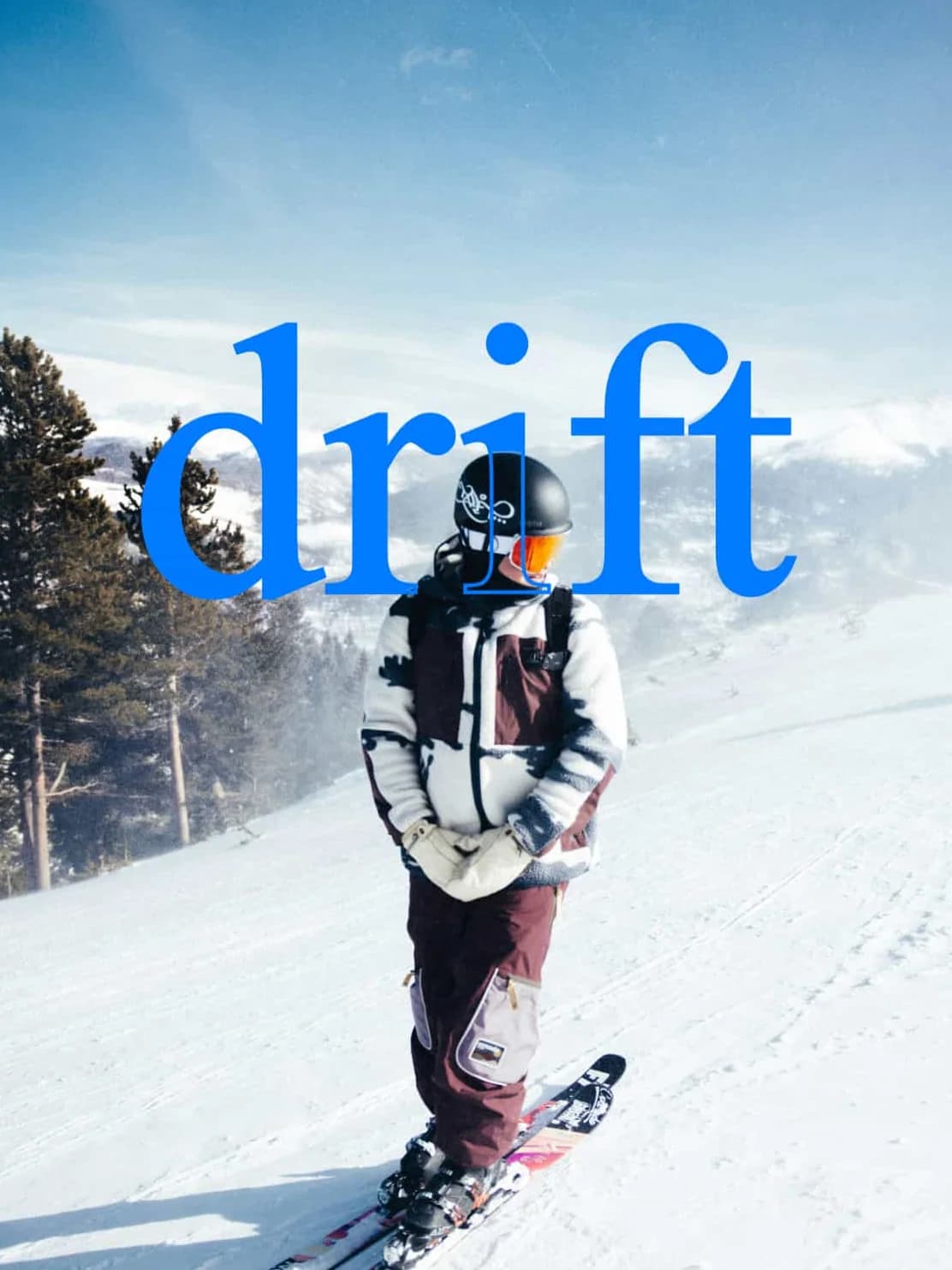
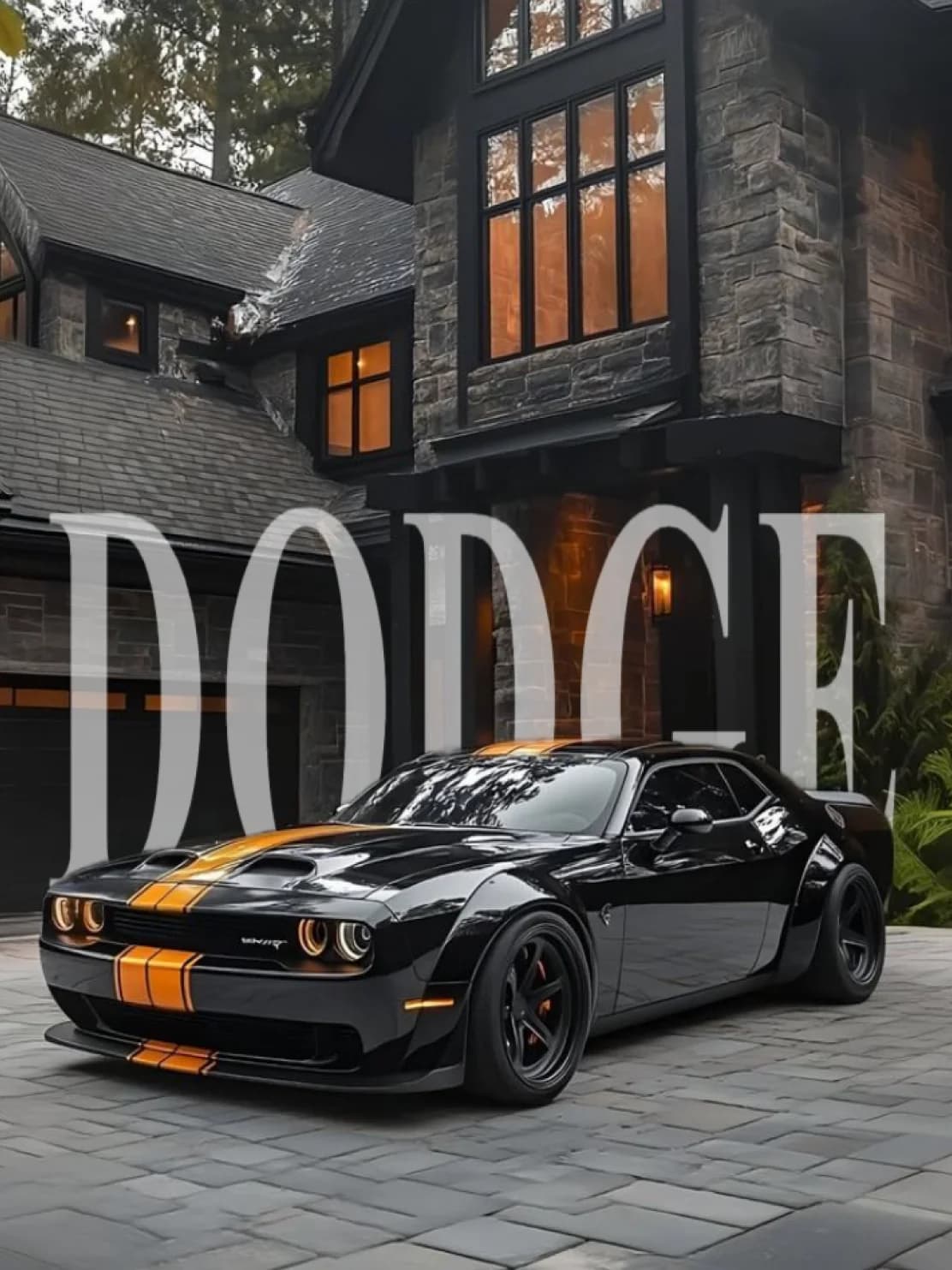
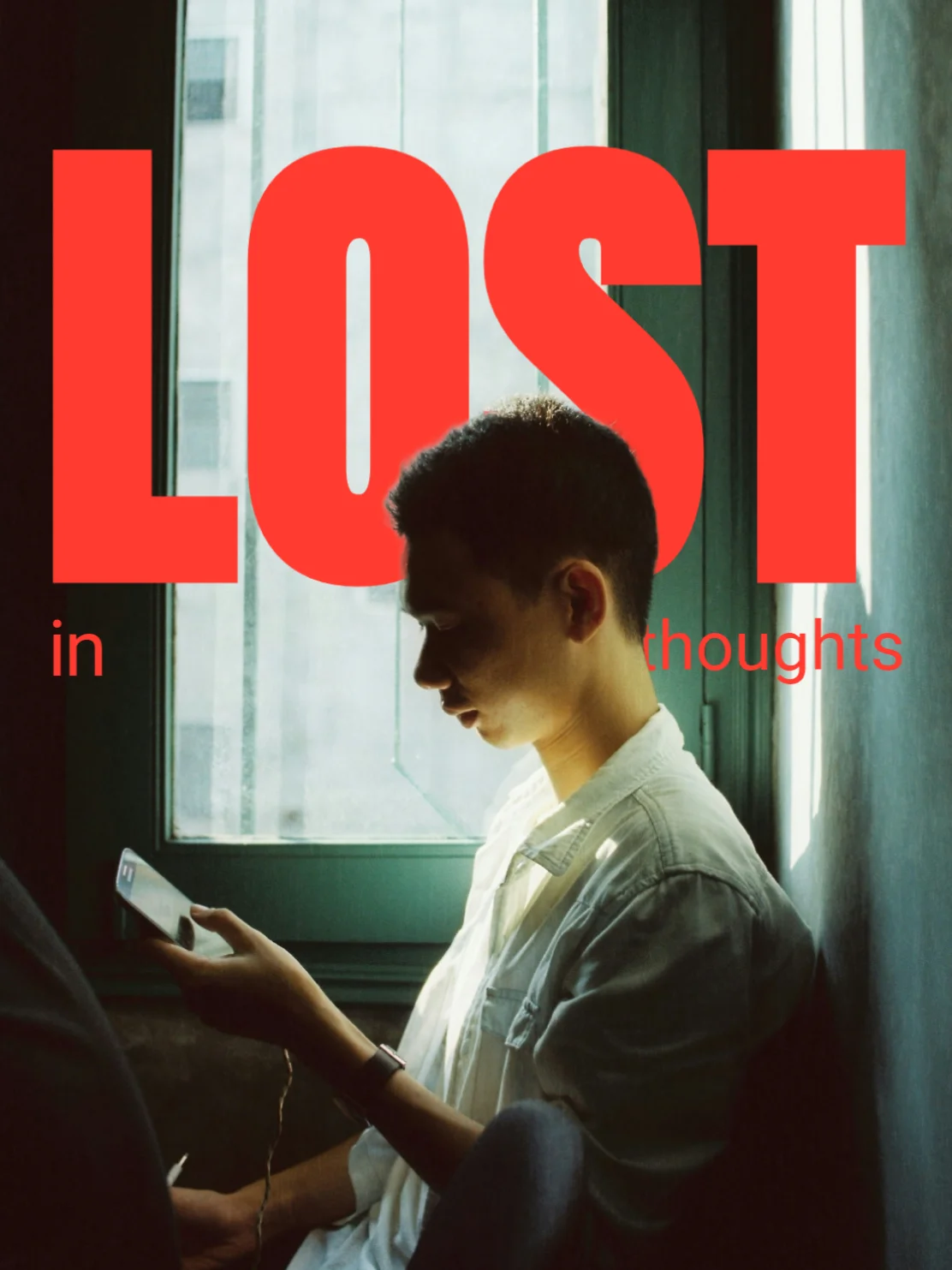

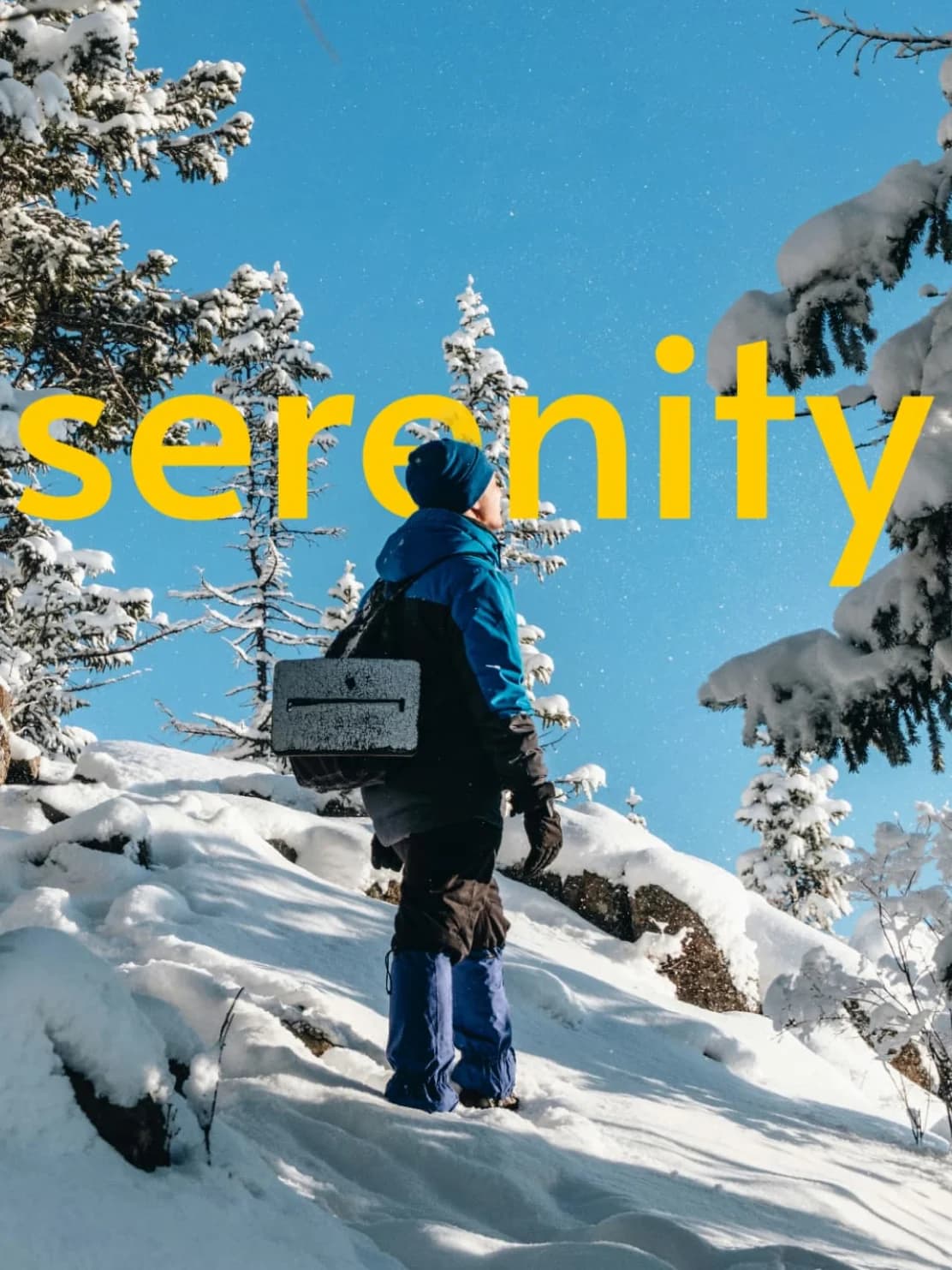
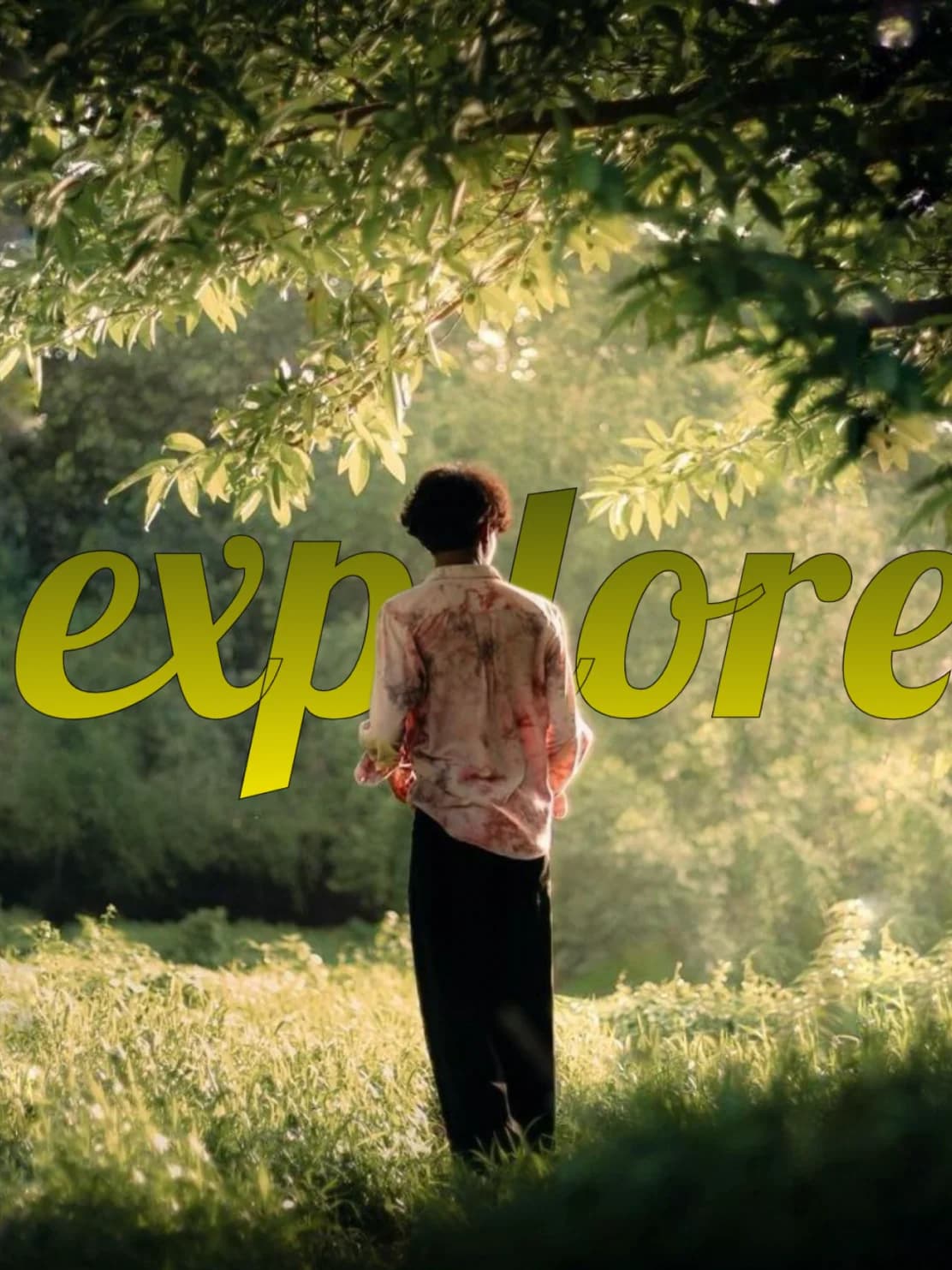

Photoshop Who? This Is Faster.
No layers, no clutter. Just upload, edit, and create pro-level designs in seconds. Fast enough for a school project, sharp enough for client work.
Behind 🖼️
Put text behind any object. No manual masking or layer tricks—just upload and position. That's your secret weapon.
Control 🧠
Drag, resize, and choose fonts on the fly. Style your text exactly how you imagined—without fighting a million menus.
Draw 🖍️
Sketch directly onto your photo with brush tools that don't lag or overcomplicate. Because sometimes you just want to scribble something cool.
Style 🎨
Add borders, change colors, layer gradients—make it pop or keep it sleek. Your vibe, your way.
StrokeUp 📚
Use our exclusive StrokeUp border effect. It adds pro-level depth and a trendy aesthetic you won't find anywhere else.
Export 📥
You made it? Download it. Clean resolution, fast export. No watermark. No waiting.
and much more...
Why Everyone’s Switching
Faster than Photoshop
Create professional designs in minutes, not hours
Happy Creators
Join thousands of designers who love MagicText
Images Enhanced
Billions of photos transformed with our tools
Image Behind Image
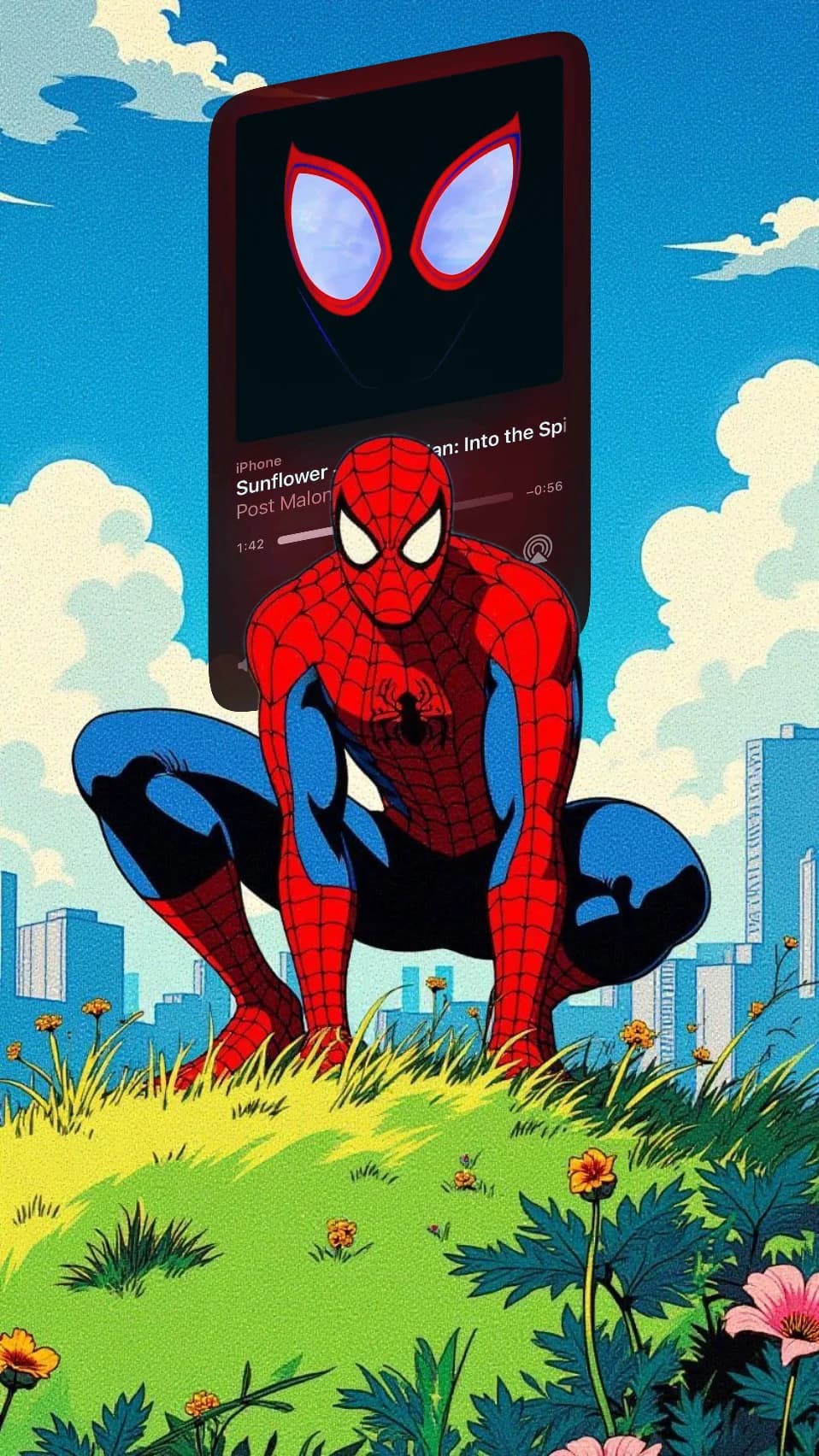
Layer your creativity with precision. Upload additional images and place them perfectly behind your main content with intuitive controls.
 2 Layers
Upload Multiple Images 📁
Add as many background images as you need. Each upload automatically positions behind your main content for instant layering.
Smart Layer Management 🎛️
Control every layer with precision. Adjust opacity, apply 3D tilt effects, flip orientations, and manage the entire stack effortlessly.
Professional Controls 🎨
Access the same contextual toolbar that powers text editing. Apply filters, adjust transparency, and create stunning depth with 3D transformations.
3D Tilt Effects 🎯
Apply horizontal and vertical skew transformations for dynamic, three-dimensional perspectives.
Opacity Control 🔧
Fine-tune transparency from 0-100% to create perfect blending effects and depth illusions.
Instant Preview 🚀
See changes in real-time as you edit. No waiting, no rendering delays—just smooth, responsive design.
Why Creators Choose Text Behind.
Pro tools, zero headaches. These features aren’t for messing around—they’re built to create results.
Design in Seconds. Look Like a Pro.
Type smarter, edit cleaner, style faster.
The Toolbox That Actually Helps You Create, Not Just Click
Explore a focused set of tools that keep you moving fast.

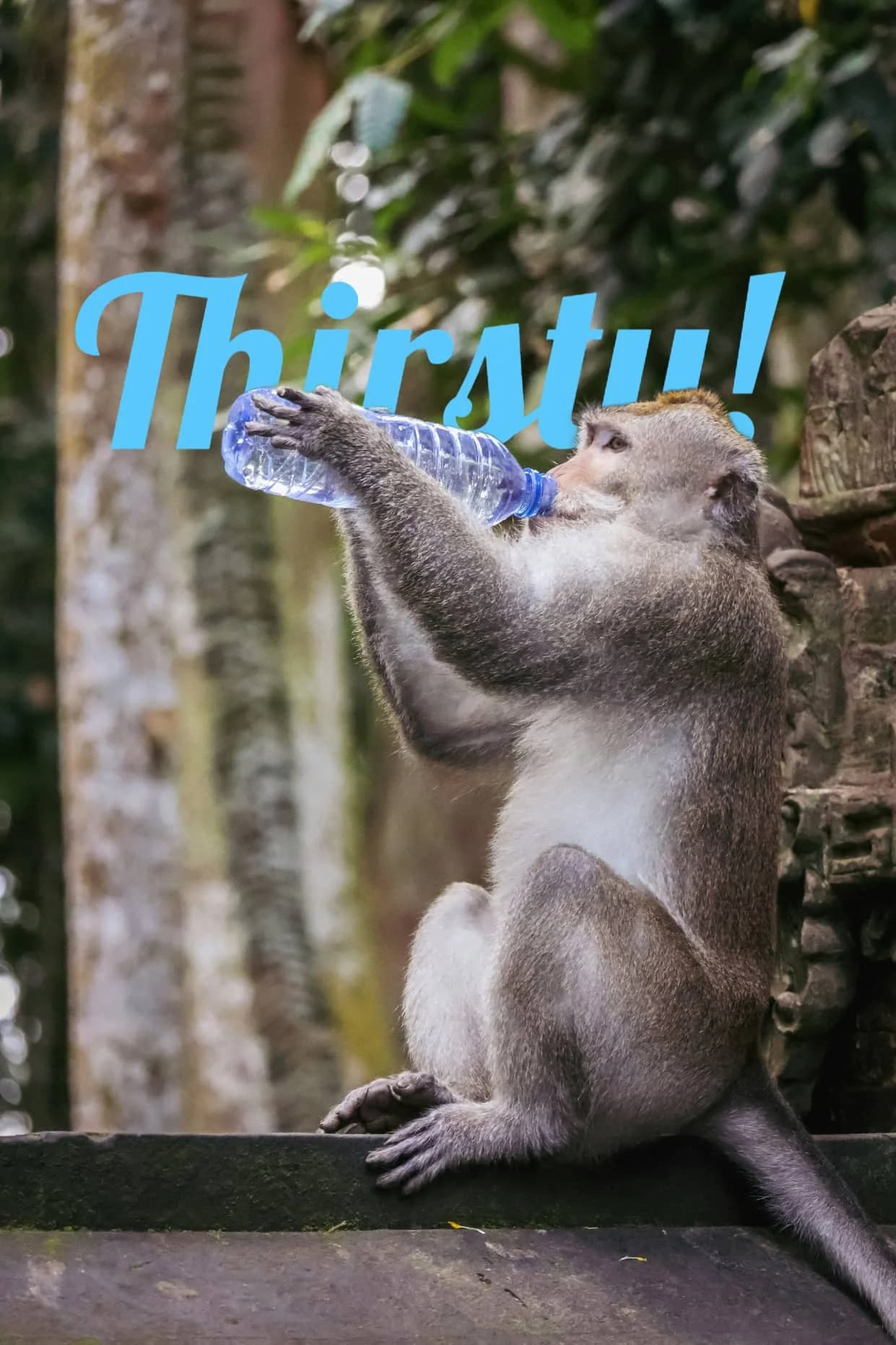
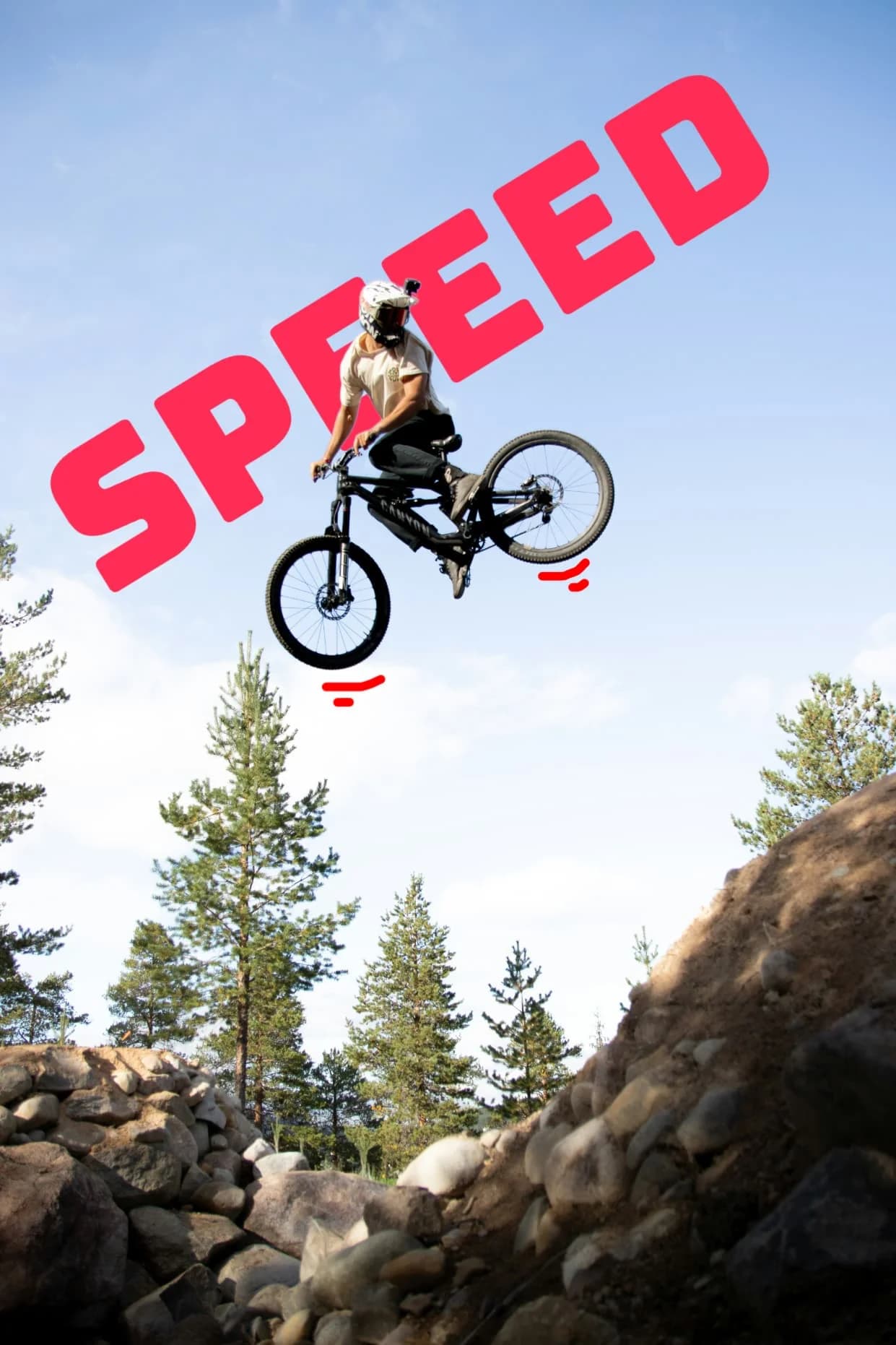
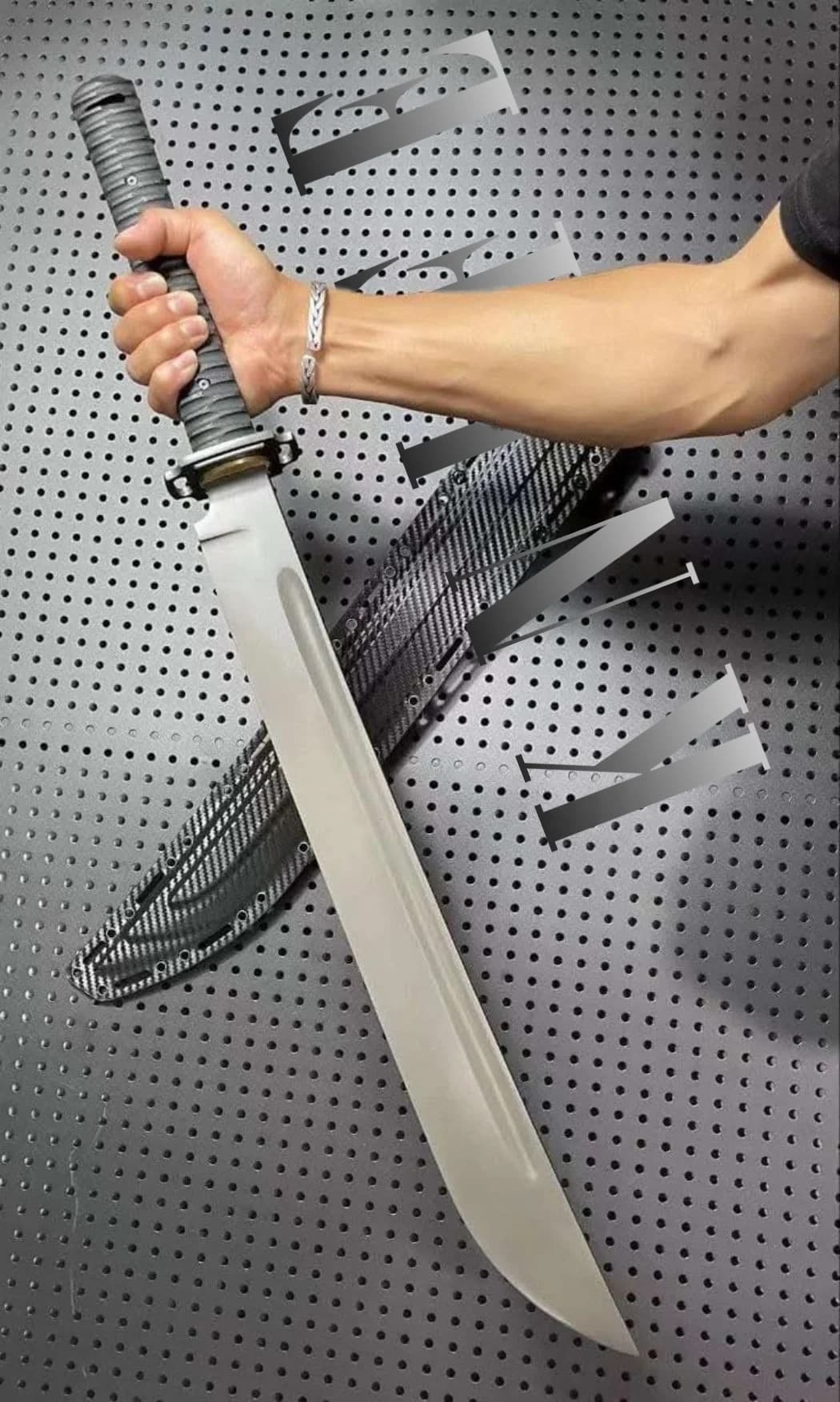
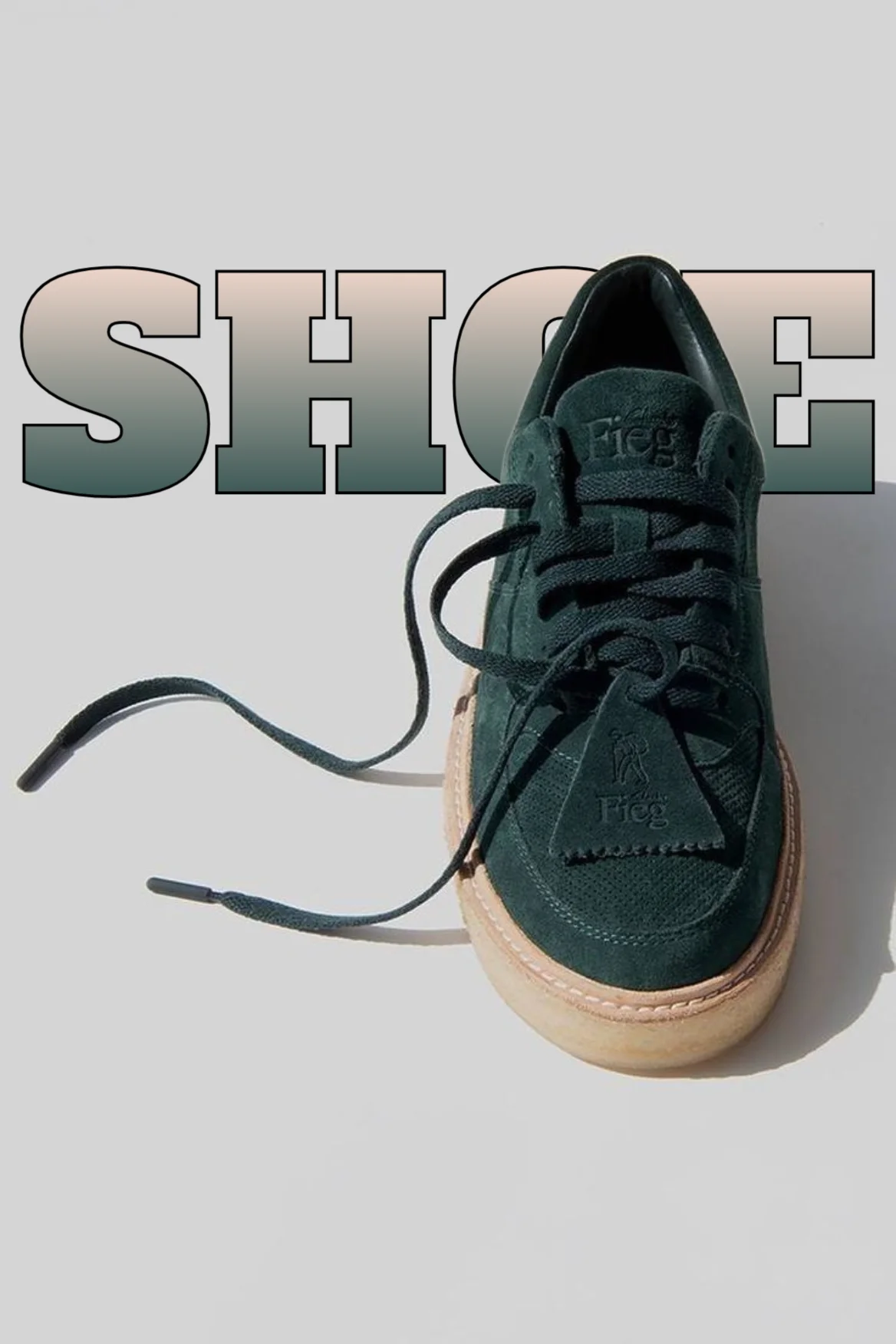
See What Text Behind Can Really Do.
Weekly Finds

Ready to Create Something Amazing?
Start your creative journey today and join our community of featured creators.